
Start with a spark.
A sentence, a reference photo, or a prompt that caught your eye. There’s more than one way in.
Text to image ↗THE START OF SOMETHING GOOD
Explore image prompts worth trying. Make the next one your own.
THE INSPIRATION EDIT
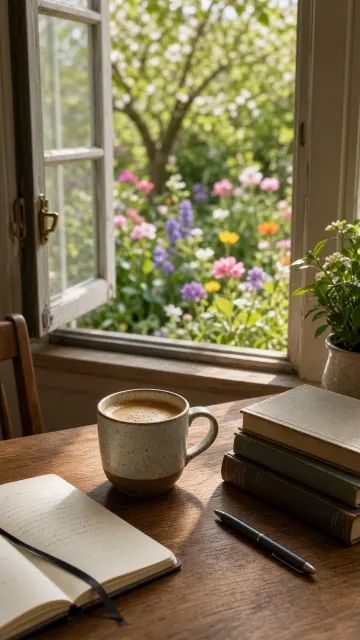
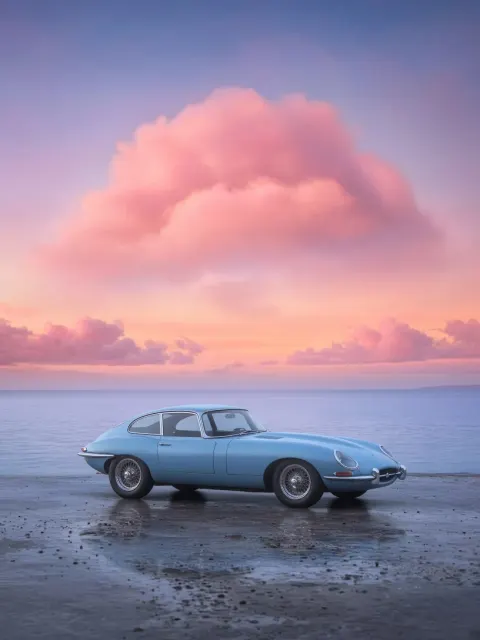
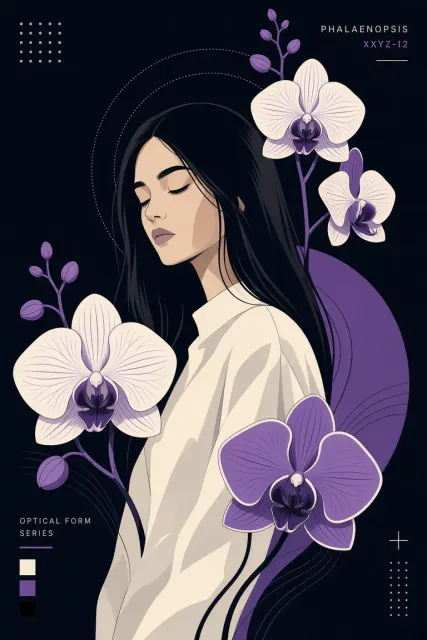
Real examples. The prompts behind them.
Explore the library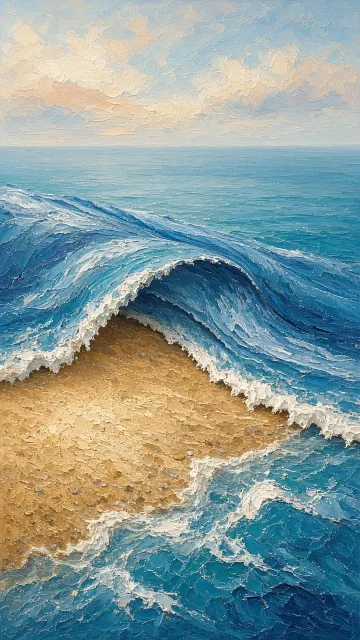
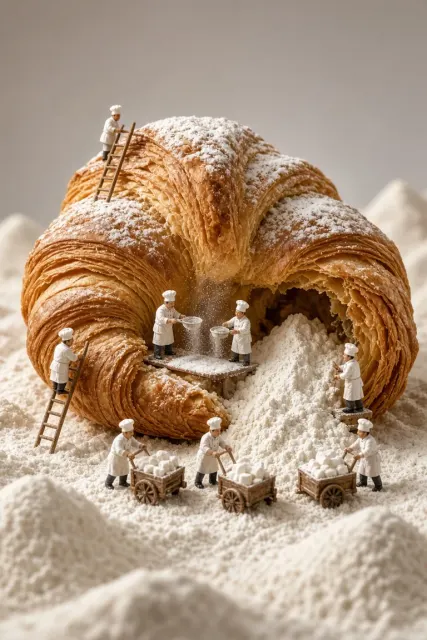
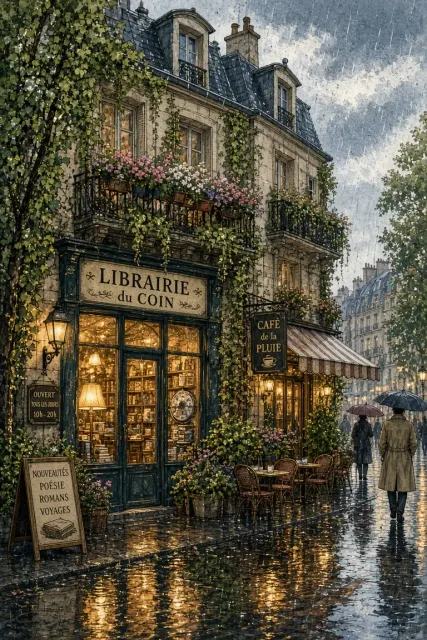
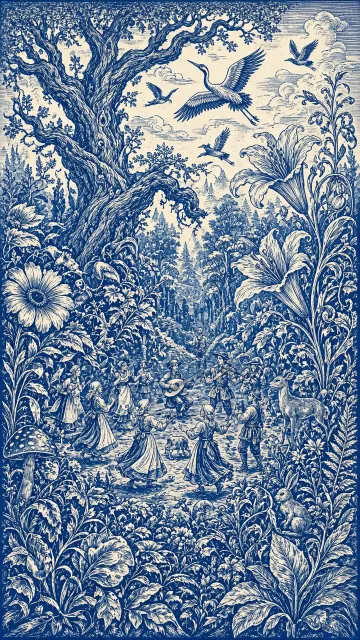
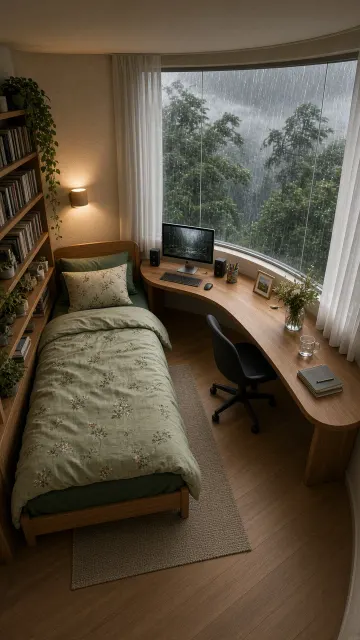

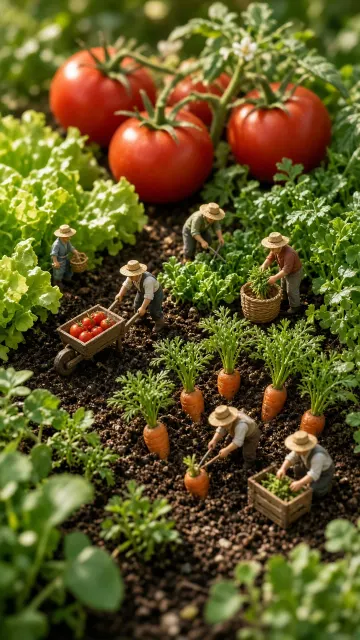
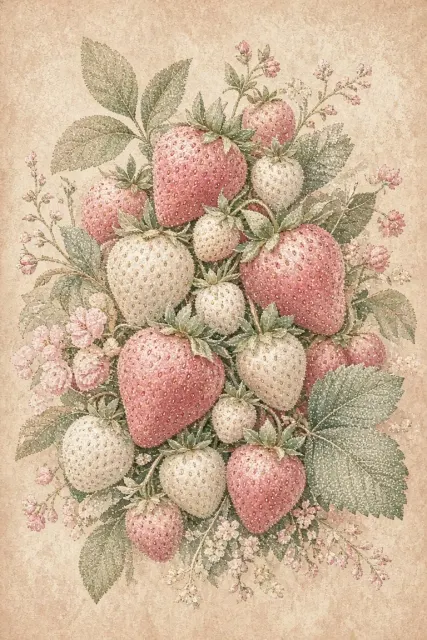
FROM WHAT IF TO THERE IT IS
One creative space, from the first sentence
to the finishing touches.
A sentence, a reference photo, or a prompt that caught your eye. There’s more than one way in.
Text to image ↗Choose a canvas, explore a model, or reimagine an existing image. You set the direction.
Image to image ↗Upscale, remove a background, or uncover the prompt behind an image. A few finishing touches go a long way.
Explore image tools ↗A FEW THINGS TO KNOW
Describe your subject, setting, light and style. Open the studio, choose a model and canvas, review the credit quote, then sign in to generate. You can also start from a prompt in the library.
Yes. Open image to image and upload a reference, then describe the change you want. Select a model that supports reference images. Results and subject preservation vary by model.
You can browse the public prompt library, read and copy prompts, and download the sample images without signing in. Generating your own images requires an account and credits.
No. Your uploads and generated results stay in your account workspace. They are not automatically published to the public inspiration library.
The studio shows the cost for your chosen model, resolution, quality and image count before you submit. Credits for unsuccessful outputs are returned under the task settlement rules. Visit pricing for current packs.
THERE’S SOMETHING IN THAT IDEA.